Manufacturer · Fashion & Home Accessories
How is an embroidery file made? The logo is digitized – a specialist uses embroidery software to manually set the type, direction, density, and sequence of each stitch, then saves the result in a machine-readable format like DST or PES. A vector file (AI, SVG, PDF) only describes the logo’s shape, but the embroidery machine needs precise instructions on where to place each stitch. Therefore, a good vector file is a starting point but not a finished embroidery file.
What is digitalization and why isn’t it automatic?
Digitalization (also called digitizing or punching) converts the image into a stitch map. For each element, the digitizer decides on:
- stitch type – running stitch for outlines, satin stitch for letters and narrow columns, tatami fill for large areas;
- stitch direction – this affects how light reflects on the thread and the sheen appearance;
- density – how closely stitches are placed; too dense breaks needles and stiffens fabric, too sparse lets the fabric show through;
- underlay – a base layer of stitches that stabilizes the fabric and lifts the top layer;
- shrinkage compensation – thread pulls fabric, so elements are made slightly larger than on screen;
- sequence and trims – the order of stitching elements and when the machine cuts the thread.
Software offers automatic conversion, but the result almost always requires manual correction. The digitizer’s experience is what distinguishes clean embroidery from puckered, uneven results.
Machine embroidery file formats
| Format | Description |
|---|---|
| DST | The most common industrial format; contains stitch coordinates and commands but no actual colour data |
| PES | Widely used for small ateliers and home machines; includes colour information |
| EXP, JEF, VP3, etc. | Formats from various machine manufacturers |
| Working (source) file | The editable file from the digitizing software – with objects instead of individual stitches |
Important: machine formats like DST are hard to edit – changing size by more than a few percent ruins stitch density. Therefore, request the working source file if you plan to use the logo in different sizes.
How to prepare your logo for embroidery file creation
The better the logo preparation, the faster and cheaper the digitalization, and the cleaner the embroidery. Follow these steps:
- Send a vector file – AI, EPS, SVG, or PDF with text converted to outlines. This provides precise contours.
- Specify the exact embroidery size in mm – width or height. An 8 cm and a 25 cm file are not the same.
- Indicate the fabric type – pique, knit, denim, fleece, terry, cap. Density and underlay are adjusted accordingly.
- Simplify details. Lines under 1 mm and text below about 5 mm height are hard to embroider legibly.
- Remove gradients and shadows – embroidery works with solid colours. Colour blending is achieved with multicolour threads or special techniques, not directly from the image.
- Limit colours to realistically distinguishable ones and provide thread or Pantone codes.
- Decide which areas remain unembroidered – the fabric colour can serve as background.
Common problems and their causes
- Puckering and waves around the logo – weak underlay or lack of stabilizer.
- Gaps between outline and fill – shrinkage compensation missing.
- Dense, “armoured” logo – too high stitch density.
- See-through fabric – too sparse fill or dark fabric under light thread.
- Uneven letters – text too small for chosen stitch type.
- Many trims and loose threads – poorly planned stitch sequence.
Most issues become visible on the first sample. Therefore, do not approve the file based only on a program screenshot, but on an actual embroidered sample.
How to check the finished file
Ask the digitizer not only for the file but also a brief report: stitch count, size, number of colours, and sequence with thread numbers. Stitch count is useful for comparing quotes, as embroiderers usually price by stitch count. Keep the files and report in your brand’s shared folder for future orders or if you change embroidery workshops.
One file is not for all products
If the logo will be embroidered on a T-shirt, cap, and jacket, usually separate versions are needed. Knitwear requires lower density and stabilizer; terry and fleece need a cover film to prevent stitches from sinking; caps require stitching from the centre outwards due to the cylindrical frame. Small logo embroidery (for sleeves or collars) often needs a simplified logo version.
Thread is part of the file too
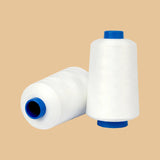
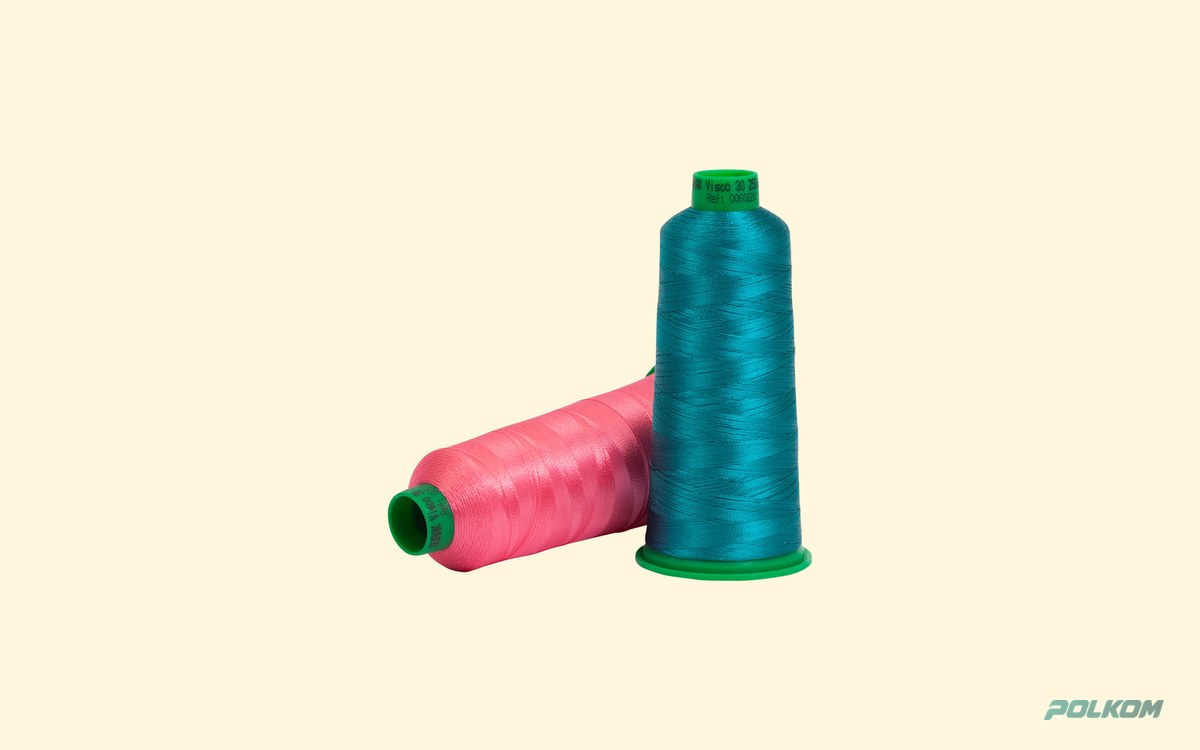
The file records thread colours by number in the thread’s colour chart. Changing thread type – for example, from viscose to polyester – or thickness from No. 40 to No. 60 may require density adjustment. Therefore, when ordering machine embroidery, specify both thread type and numbers, and use the same chart for repeat orders. Thread types are available in the embroidery threads category, and bobbin threads among production threads.
When patches are better than embroidery
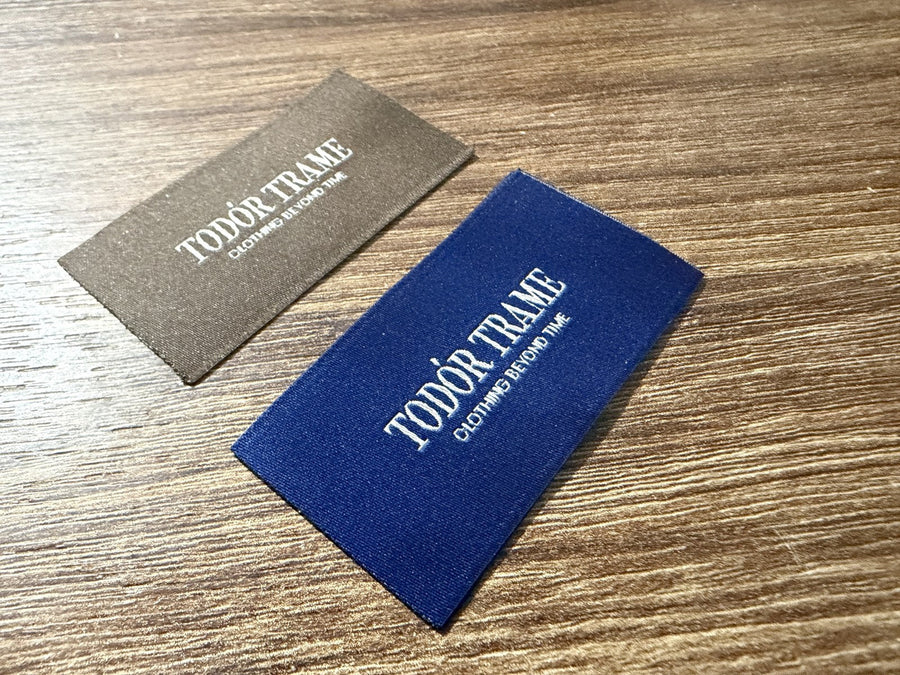
For highly detailed logos, fine text, or the need for uniform appearance on many different items, it is more practical to use woven patches. The logo is woven in series with high detail and sewn or heat-applied. For custom embroidery, patches are also a good way to test the look before investing in multiple files.
Polkom – embroidery threads and patches
Polkom is a manufacturer of accessories for fashion, footwear, bags, cosmetics, packaging, and furniture, based in Sofia with over 30 years of experience. For embroidery workshops and brands, we offer embroidery threads in wide colour ranges, bobbin threads and spools, as well as woven patches and labels with logos. All products have OEKO-TEX® certification. Send us your logo and requirements via the contact form.